
I have a some deployment scenarios when the customer does not what the Windows Store App on the Task bar on Windows 10.
I have found this GPO settings to remove the store App from the Task bar with out chancing the functionality of the Windows Store.
Create a User GPO
Change the settings: User Configuration -> Administrative Templates -> Start Menu and Taskbar -> Do not allow pinning Store app to the Taskbar
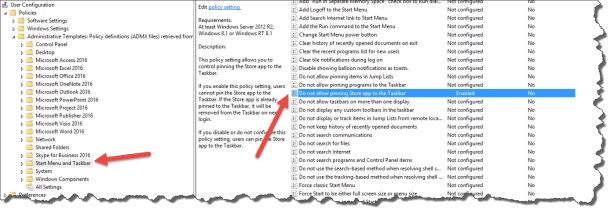
Enable the setting
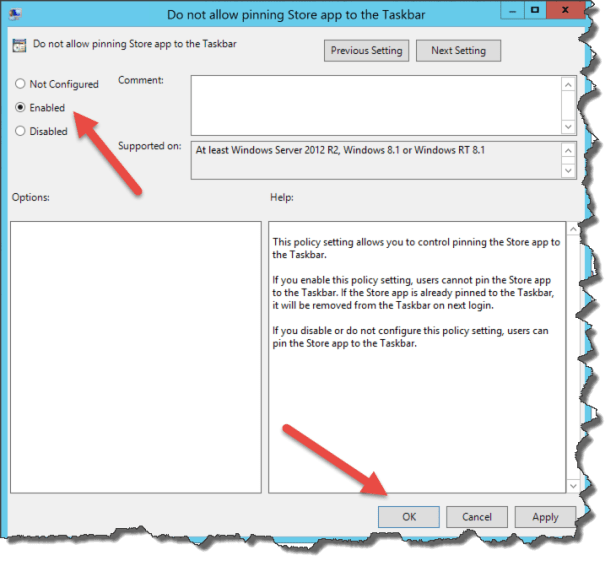
Deploy the GPO for the users
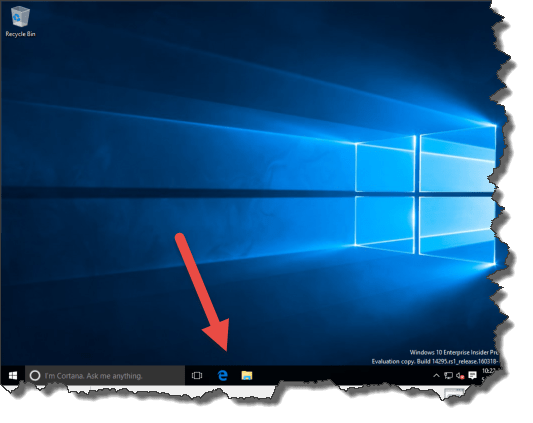
The Windows Store App is removed from the Task Bar
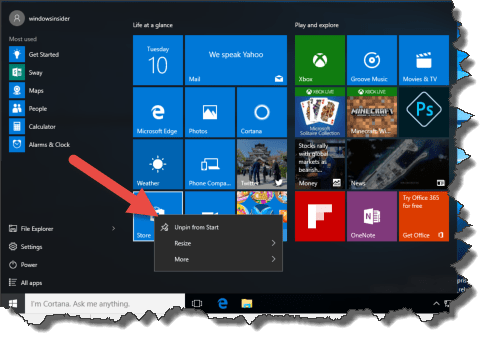
The Windows Store is still in the Start Layout
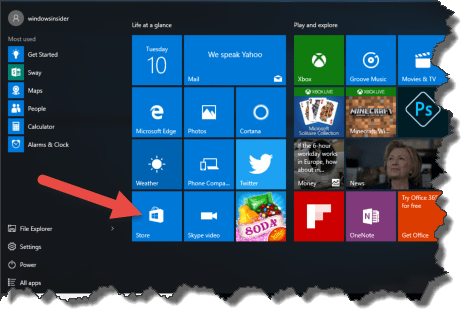
It is not possible to Pin the Windows Store to the Task bar again
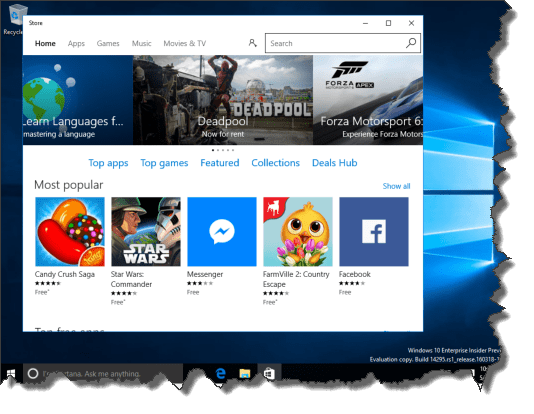
And the Windows Store App is still working 🙂

 Cloud First
Worked like a charm, much obliged.